Formats & reach
How to Turn Wide Listing Photos Into Vertical Real Estate Videos
By Pixel Polish Media · Updated June 2026 · ~6 min read
Your photos are wide and your buyers scroll vertical, so vertical optimization reframes your footage to 9:16 and the home fills the screen instead of getting cropped.
The problem: wide footage gets center-cropped on mobile
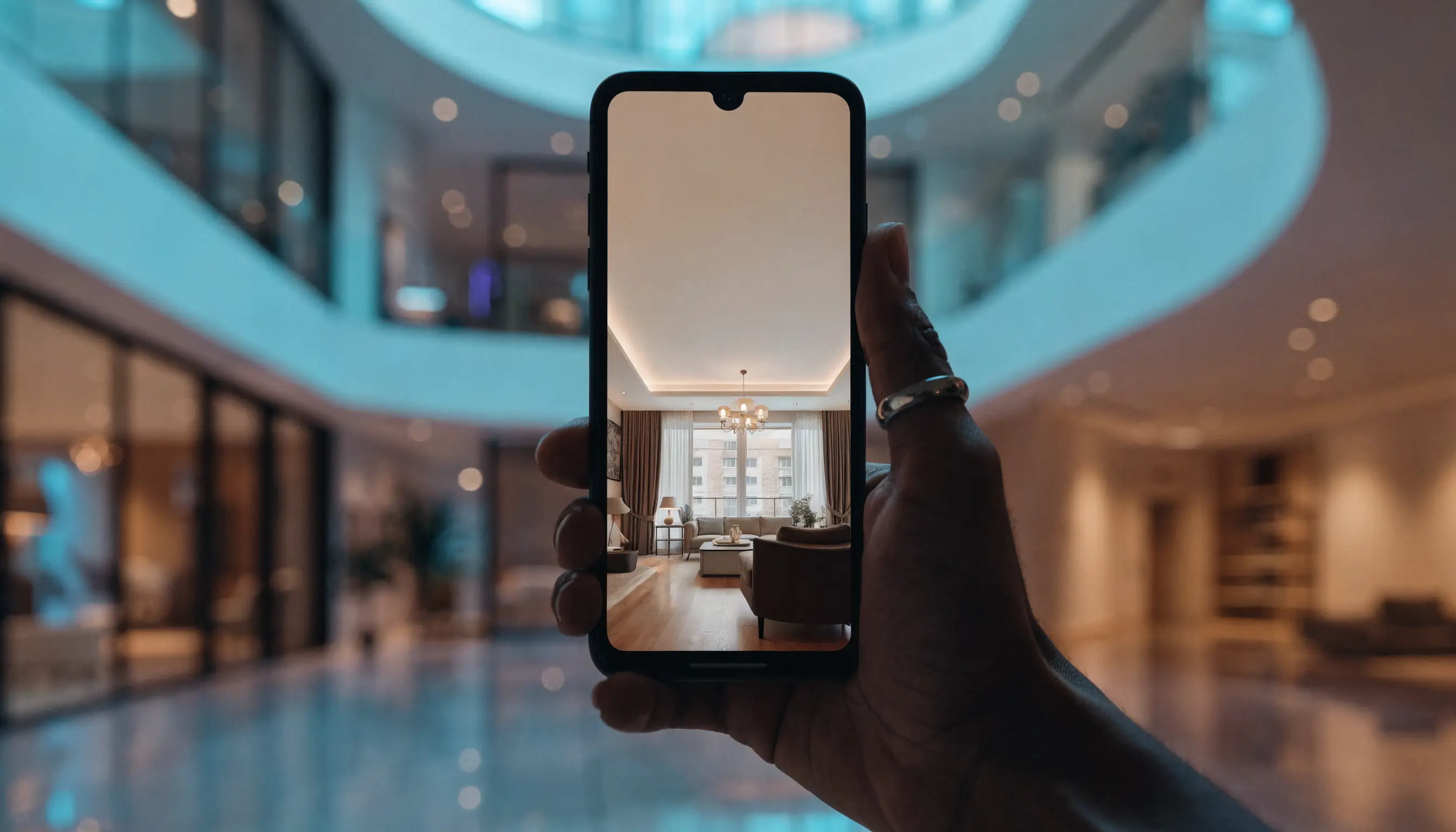
Cameras and MLS photos default to a wide 16:9 (or wider) frame. That looks great on a desktop listing page and on YouTube. But buyers discover homes on Instagram Reels, TikTok, and Stories, and those feeds are built for full-screen 9:16 vertical video. Upload a wide clip there and the app does not politely shrink it. It zooms in on the center and slices off the left and right edges.
For a real estate listing, those edges are rarely empty. They hold the kitchen island, the fireplace, the window line, the pool, the full sweep of a great room. A dumb center crop turns a confident wide shot of a chef's kitchen into a tight, confusing close-up of a single cabinet. Text overlays drift off-screen, agent branding gets clipped, and the video meant to show off the space ends up hiding it. Get the crop wrong and buyers scroll right past.
What vertical optimization actually does
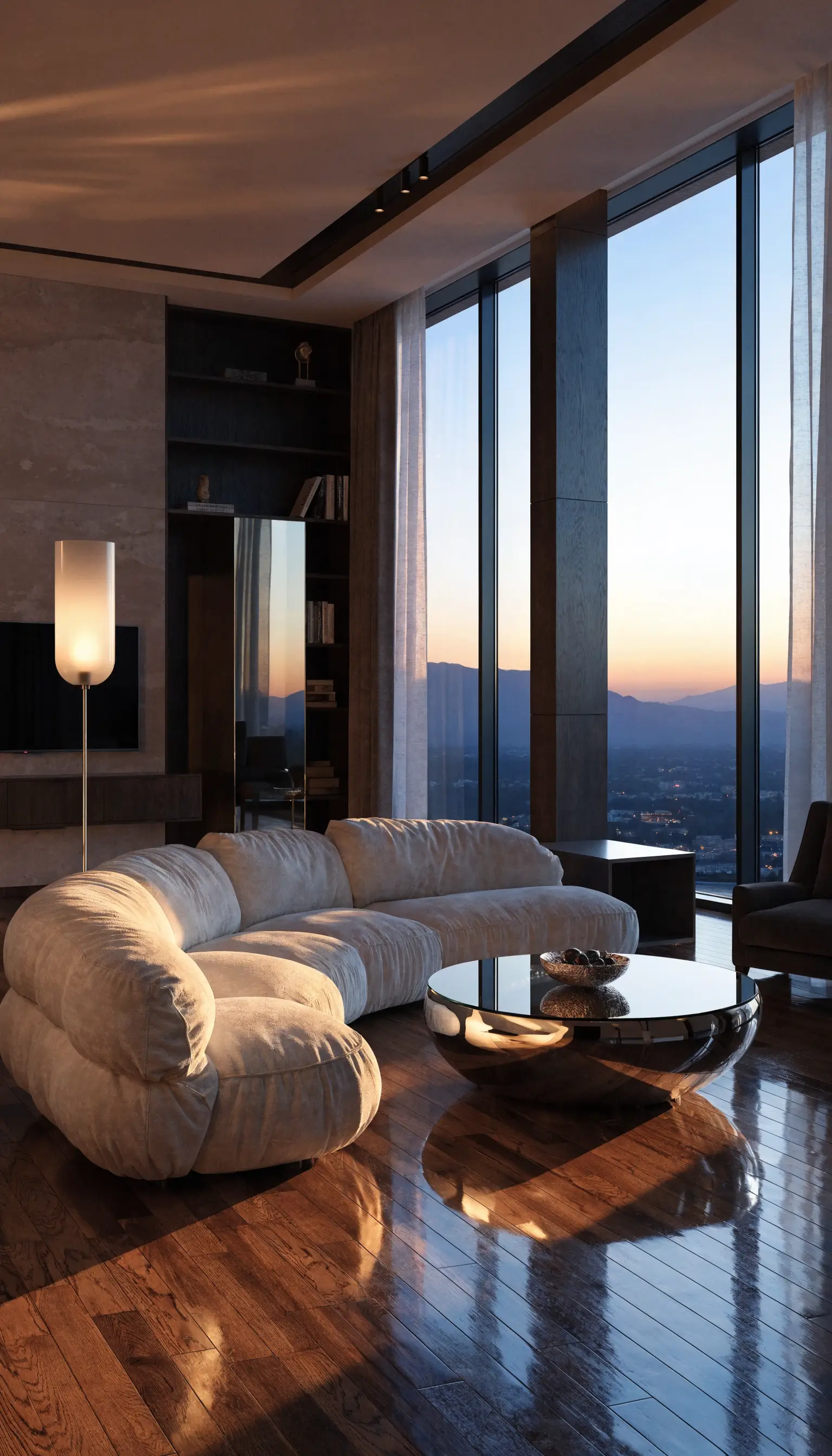
At Pixel Polish Media, vertical optimization is not a one-click export that squishes a wide video into a tall box. Our editors rebuild the framing for the new shape. They decide what each shot is about, recompose it for a portrait frame, and re-time the motion so the camera move makes sense at 9:16. Pans get re-timed, focal points get re-centered, and the most important part of every room stays in view from the first frame to the last.
The goal is a video that looks like it was made for mobile, not a wide clip with bars or a hard crop. We deliver 9:16 for Reels, TikTok, and Stories and 4:5 for in-feed posts, which holds more of the Instagram and Facebook feed than a square. A professional editor quality-checks every reframe, so important details and on-screen text stay inside the safe area instead of slipping under the platform UI.
- Editors recompose each shot for portrait instead of center cropping it.
- Motion and pacing re-timed so camera moves read naturally at 9:16.
- Key features and overlays kept inside the safe area, away from the platform UI.
- A professional editor quality-checks every order, so nothing important gets cropped out.
Why vertical reach matters for listings
Real estate audiences are mobile-first. The agents and brokerages winning attention right now post native vertical video where buyers already spend their time: short, full-screen clips that autoplay in the feed. Listings marketed with video are widely reported to earn more engagement and inquiries. None of that lands if the format works against the platform. A vertical video that fills the screen gives every view the best first impression of the home.
34.5%
Lower cost per result for 9:16 Reels built with audio and safe-zone creative, compared with image ads.
A Meta paid-ads split-test result, not real-estate-specific — it supports native vertical creative, not faster sales.
Going vertical also stretches the value of a single shoot. The same property photos can power a 16:9 cut for the MLS and the desktop listing page, a 9:16 cut for Reels and TikTok, and a 4:5 cut for in-feed posts. That is three placements with no reshoot, which means broader reach from work you have already paid for.
How to get vertical video on your next order
You do not need to film anything new or learn an editor. Upload your existing listing photos and we produce the polished video for you. Vertical optimization is an add-on you can attach to any package, so you can take any package and add a 9:16 or 4:5 cut for the channels you care about. It is not bundled into Polished or Cinematic, so add it whenever you want vertical video in the mix.
Whichever route you choose, a professional editor quality-checks every reframe, so your Reels look deliberate and your listing never gets cut in half by an automated crop. You bring the photos. We deliver the polish in the format your audience is actually watching.